aphasia.download

Practice tools for aphasia

Free practice pages, used alongside a speech-language pathologist's own judgment.

  • Not a test
  • No diagnosis
  • No accounts
  • Records stay on this device
New to aphasia? Start here

Reversible sentence pairs

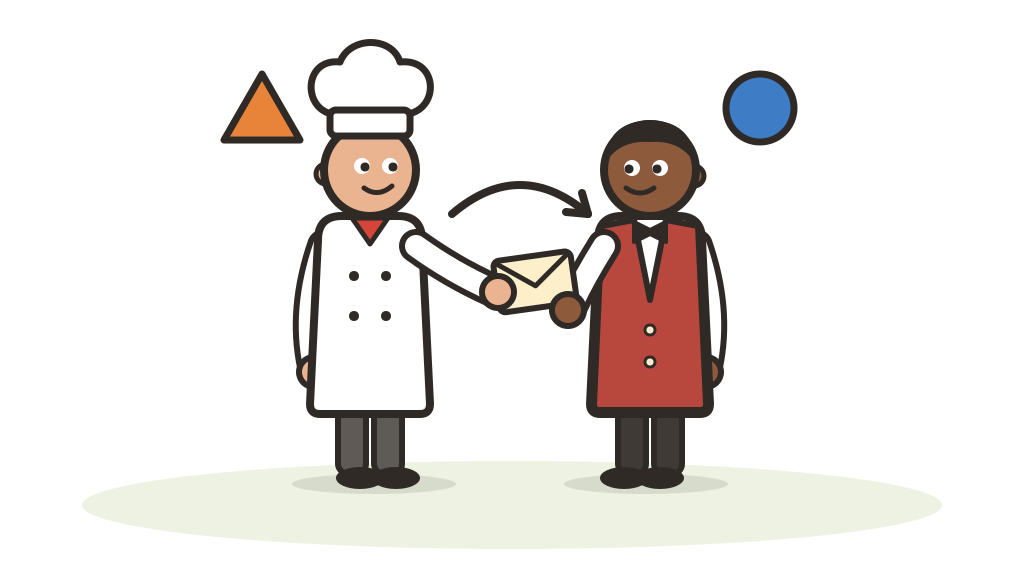
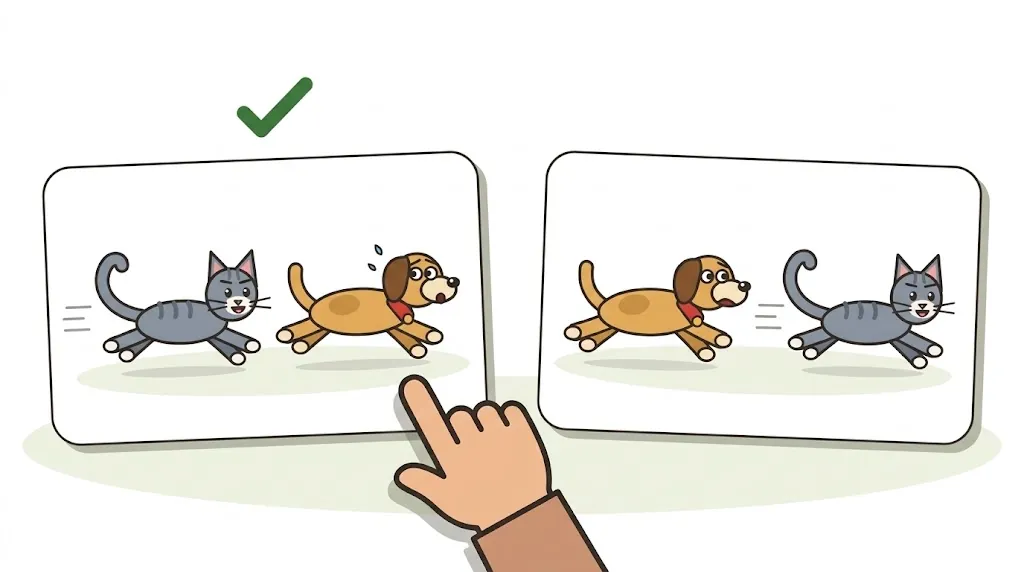
The client reads or hears a sentence, like The dog was chased by the cat, and picks the picture that matches.

Practices Understanding sentences where word order decides who does the action, in active and passive forms.

  • On a screen
  • At the table
  • On paper
Open Reversible sentence pairs

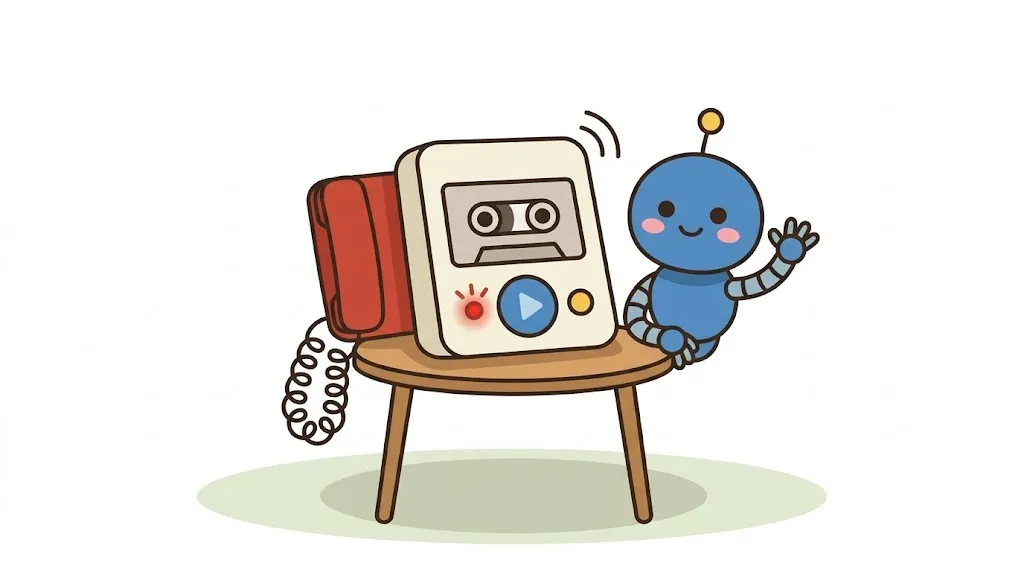
Voicemail machine

A listening game on an answering machine. The voicemails are spoken out loud by the browser, and you play against Botto the robot.

Practices Understanding spoken messages by ear.

  • Sound on
Open Voicemail machine

News around the world

Short, gentle stories from the news, read out loud with the words on the screen. Then three questions about each story, and Botto the robot plays along.

Practices Following real news by ear and by reading, then answering questions about the topic, a detail and the place.

  • Sound on
Open News around the world

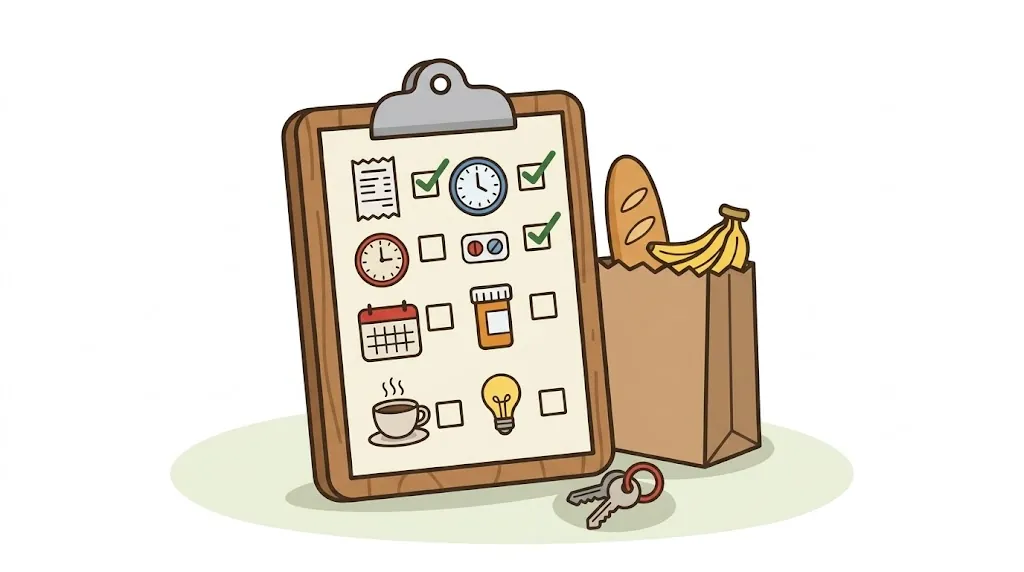
Daily errands

Everyday things to read: a grocery receipt, a kitchen clock, a calendar, a medicine label, a diner menu and a bill. Each one is read out loud, then three questions, and the line that holds the answer lights up.

Practices Reading everyday things: finding a word, reading a number or a time, and deciding what to do.

  • Sound on
Open Daily errands

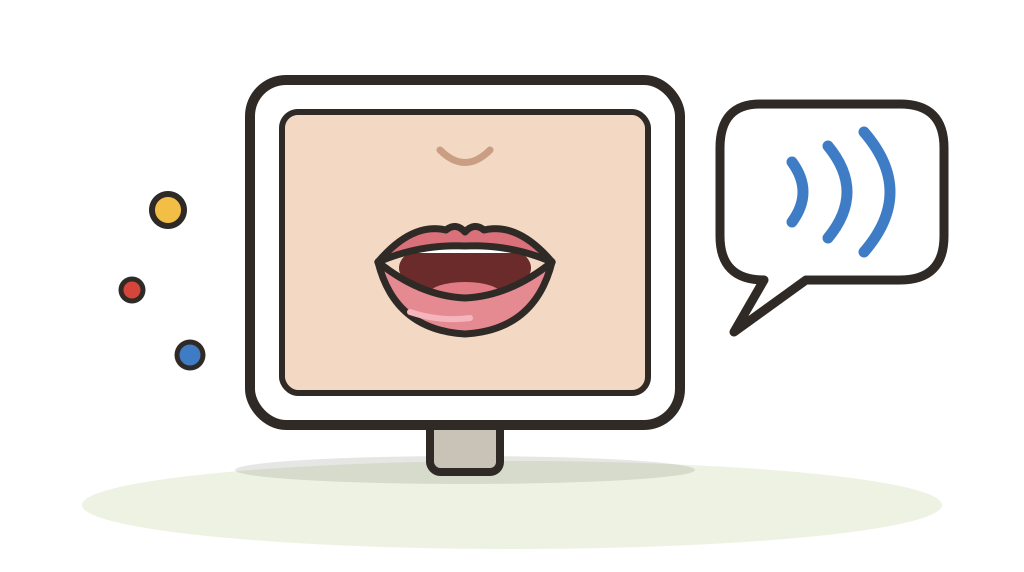
Say it with me

Watch a close-up of a mouth saying words, then say them together, then on your own. It starts with counting, and new practice is added as it is made.

Practices Saying words by watching and copying a speaker's mouth, with the sound fading away step by step.

  • Sound on
Open Say it with me

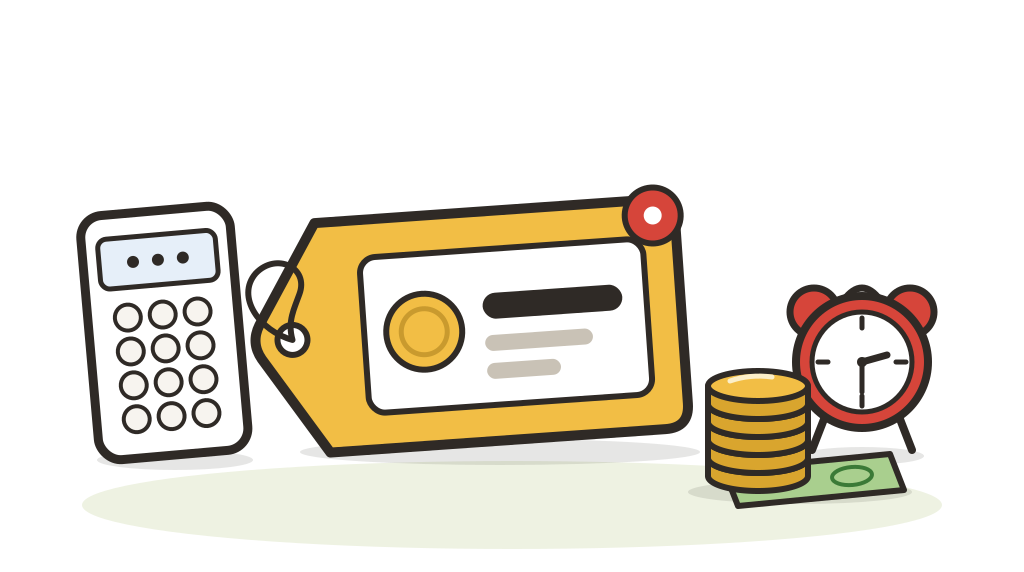
Price check

Hear a price, a time or a phone number, then tap the one that matches. Botto the robot plays the same cards, and there is no timer.

Practices Reading and hearing everyday numbers: prices, change, clock times and phone numbers.

  • Sound on
Open Price check

Text back

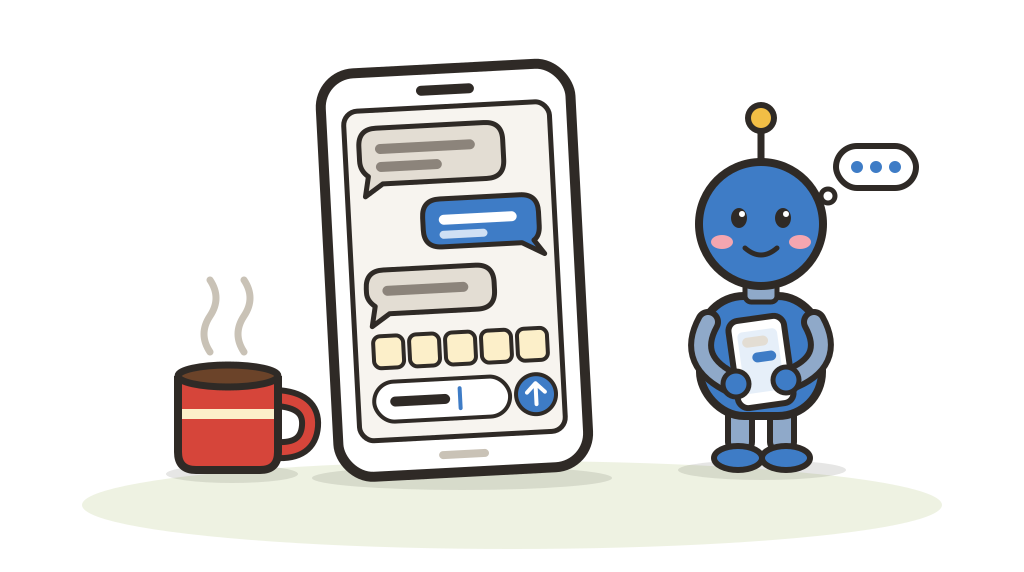
A text arrives from a sister, a neighbor or the pharmacy. Read it, then build a reply and send it. Botto the robot answers the same texts.

Practices Reading a text message and writing a short reply, one letter, word or sentence at a time.

  • Sound on
Open Text back

Scam or not?

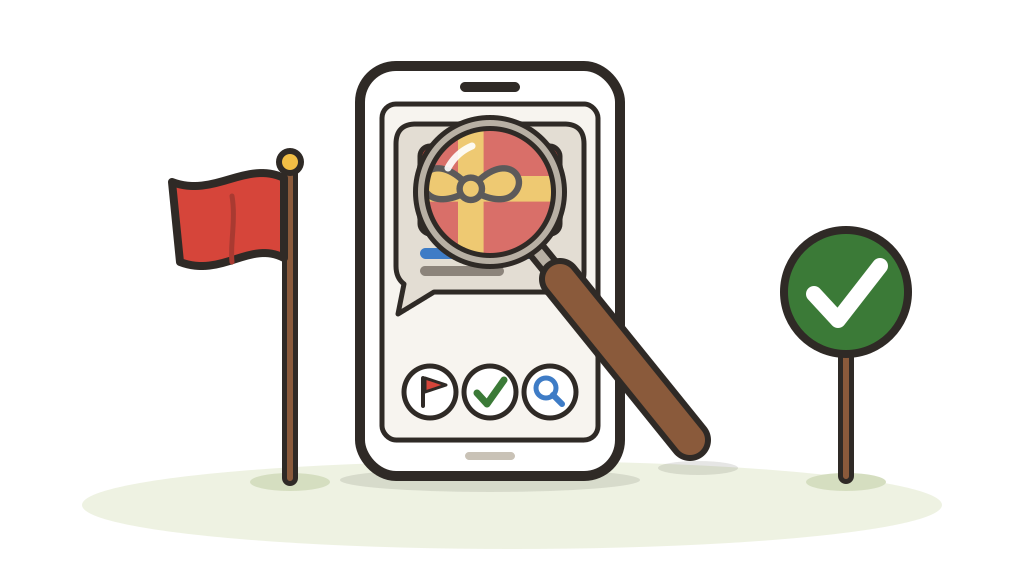
A phone call, a text, an email, a letter or a knock at the door. Is it a scam or is it safe? Botto the robot plays too, and sometimes falls for it.

Practices Spotting when a message asks for money, a code or a way into a phone, and what to do next: hang up, check, and call a number you already know.

  • Sound on
Open Scam or not?

Who did what?

Hear or read a sentence, like The doctor was bandaged by the nurse, then tap the picture that matches. Botto the robot answers after you, and sometimes gets it backwards.

Practices Working out who did the action when the word order changes: plain sentences, was … by sentences and It was … who sentences.

  • Sound on
Open Who did what?

First, next, last

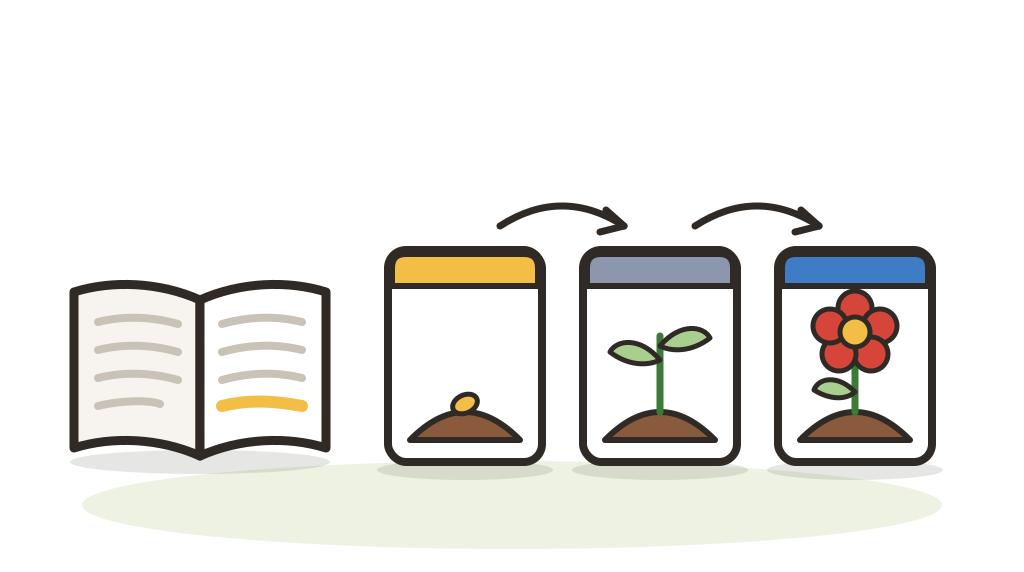
A true story, read one short part at a time. Then put three events in order and answer four questions that start with When. Botto the robot plays along.

Practices Reading a longer story and keeping track of what happened first, next and last, using time words like before, after and then.

  • Sound on
Open First, next, last

Word games

Nine word games in one place: picture match, spell it, sound twins, word pairs, a speed reader, two sorting games, a fall feast and a pass-the-phone game for a group. Botto the robot plays along.

Practices Finding, reading, spelling and sorting everyday words, with pictures to help.

  • Sound on
Open Word games

For clinicians

  • Each tool is one page. While it stays open it keeps working without the internet. Opening it again needs a connection, and some browsers need the internet for spoken voices.
  • Records stay in this browser, on this device. There is no sign-in, and no record, score, note or client code is ever sent anywhere. The site's host counts page visits. Most tool pages load two typefaces from Google Fonts, which sees the device's address the way any website does. When a browser uses an online voice, the spoken words go to that voice service.
  • Where a tool keeps records, you can download them as a CSV for your own spreadsheet. Clearing the browser's data clears the records, so download after each session.
  • Spoken words use the device's own voices, so they can sound different on each phone or computer.
Your clinic's own edition

For family

  • Every tool on this page is free and stays free.
  • Not sure where to begin? Start here: a few clicks show you where. When you have found what helps, the Family Edition adds a full practice guide for home. Pay once. Checkout is not open yet.
Practice together at home